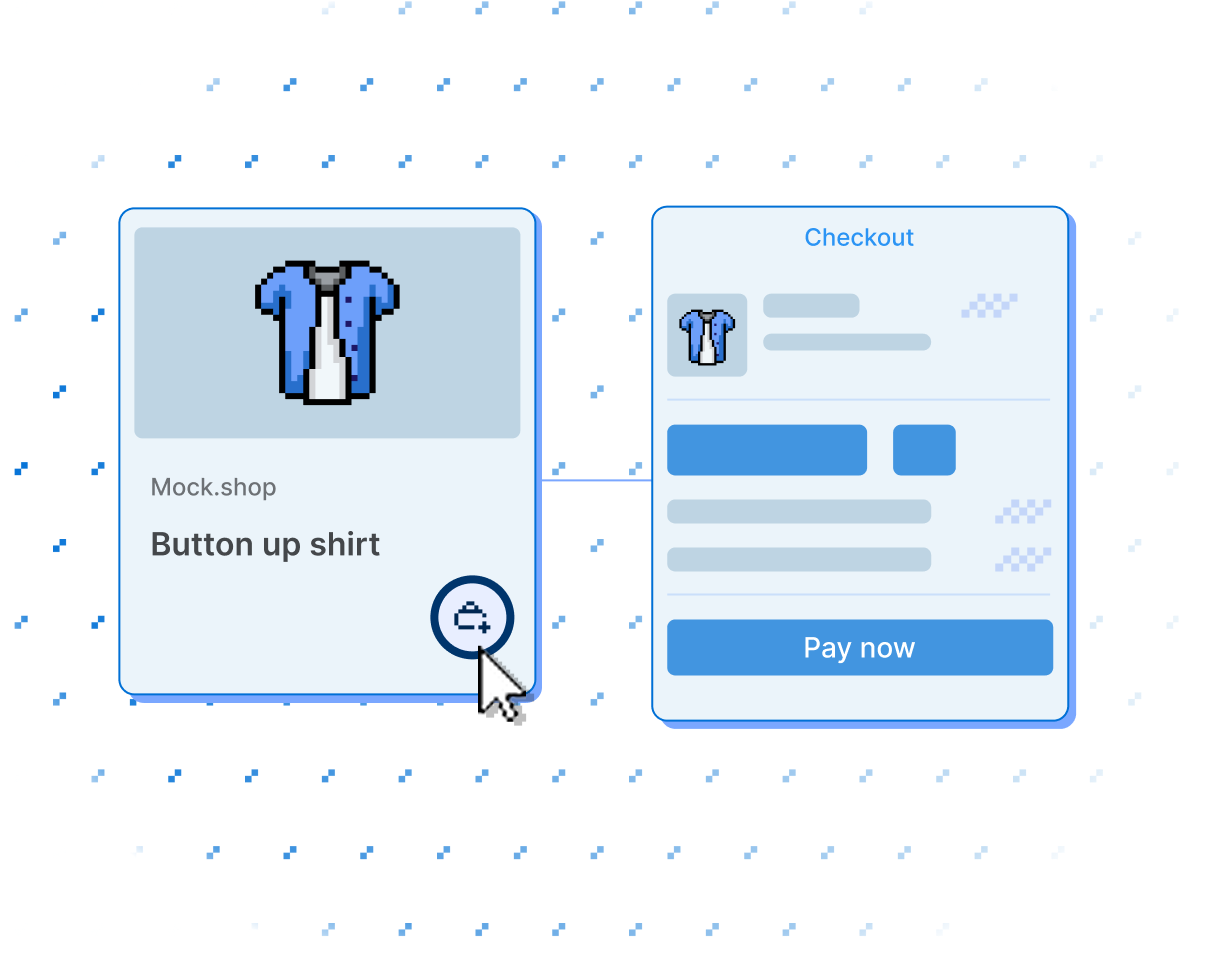
Build and customize storefronts
A storefront is the part of Shopify buyers see. Build one with a theme that runs entirely on Shopify, go headless with your own frontend on Shopify's APIs, or bring shopping into a native mobile app.


Anchor to Build your first themeBuild your first theme
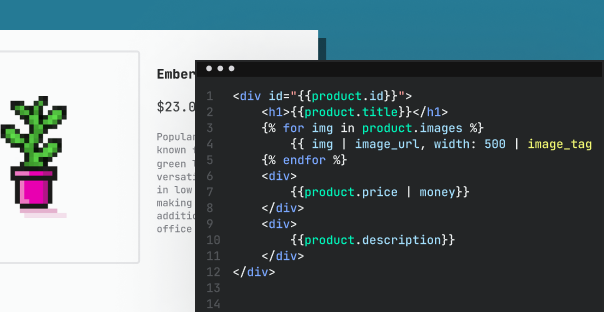
A theme is the storefront most stores run: Liquid templates that Shopify renders and hosts, so there's no server for you to operate. Both tutorials start you from a working theme rather than an empty directory.
-
Create a theme generates a starter theme with Shopify CLI and previews your changes against real store data as you edit.
-
Customize a merchant theme connects the theme a store already runs, for when you're changing an existing storefront rather than building a new one.
-
Architecture explains what you've generated: how layouts, templates, sections, and blocks fit together. Liquid is the templating language they're written in.
Anchor to Build themes merchants can editBuild themes merchants can edit
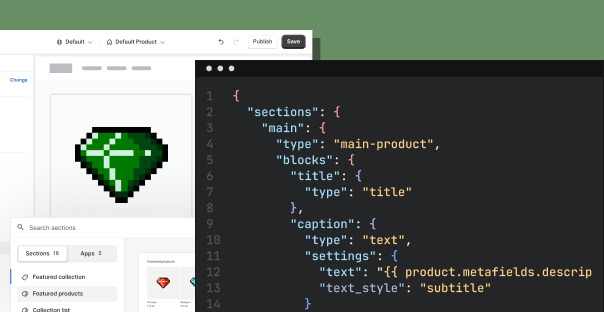
You own the code, and merchants change content in the theme editor without touching it. Keeping that split clean is most of what separates a good theme from a frustrating one.
-
Best practices cover how to structure templates, sections, and blocks so the editor stays flexible, along with performance and accessibility.
-
Developer tools run the workflow: Shopify CLI for local development, Theme Check and the VS Code extension for catching Liquid errors, and the GitHub integration for keeping the live theme in version control.
-
Theme features are guides to the jobs a storefront does, from product merchandising and search to markets and SEO.
Anchor to Sell themes on the Theme StoreSell themes on the Theme Store
Build a theme that works off the shelf and the Theme Store puts it in front of every merchant on Shopify.
-
Requirements set the bar for what gets accepted. Read them before you design, because they shape the theme itself, not just the listing.
-
Revenue share covers the money: there's no fee to list, and Shopify takes 15% of sales.

Anchor to Take the storefront headlessTake the storefront headless
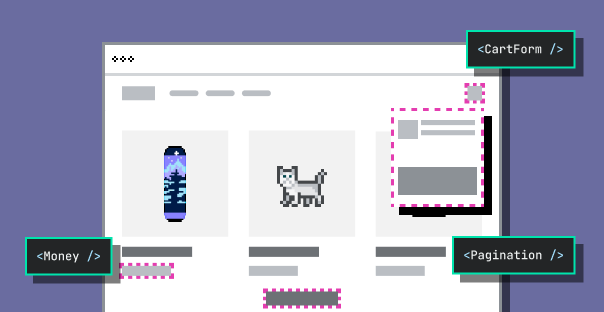
Headless means you build and host the frontend while Shopify's APIs handle the commerce underneath. It's the most control you can have over a storefront, and the most work, so Getting started walks through choosing a build option first.
-
Hydrogen and Oxygen is the fastest path: Hydrogen is Shopify's React framework for headless storefronts, and Oxygen hosts what you build at no extra charge.
-
Bring your own stack uses the same APIs from whatever framework you already run.
-
The Storefront API serves products, carts, and checkout, and the Customer Account API handles login, orders, and buyer profiles. Storefront Web Components embed buying into any HTML page.
Anchor to Sell inside native mobile appsSell inside native mobile apps
Mobile brings the storefront into your iOS and Android apps, with Shopify handling the part you least want to rebuild: checkout.
-
Checkout Kit embeds Shopify checkout in your app, preloaded and themed to match, so buyers never leave for a browser.
-
Accelerated checkouts add Shop Pay and Apple Pay buttons to product and cart pages, so buyers can pay without opening checkout at all.
-
Mobile storefronts covers building the browsing experience itself, with Buy SDKs for iOS and Android.